🚀 Getting started
 Your onboarding guide
 Accessing your Qogita seller accountUnderstand your seller portalGet help from Qogita
📦 List your stock
 Upload and manage your price listSet your minimum order value
 Stock list types
 Keep your stock up to dateResponsible Person requirementsSelling electronics
🚚 Your first order
 Fulfil an order
 Packaging requirements
 Shipping dangerous goods
 Regenerate a shipping label
🇬🇧 Selling to the United Kingdom
 Selling to the UK
 Qogita's legal entity and VAT details
 Customs for parcel shipments from Germany
🇺🇸 Selling from the United States
Selling from the United StatesShip your own orders in the United States💶 Get paid
Request your paymentTrack your paymentInvoices and value-added taxGet your supporting documentsGet help with a payment problem⚖️ Claims
Understand a claimDispute a claimClaim costs and returnsKeep your claim rate low📈 Grow
Seller metricsGrowing your businessBulk pricingSelling pre-ordersEnterprise orders‣
Accessing your Qogita seller account
Welcome to Qogita. Here is how to set your password, log in to the seller portal for the first time and get your account ready to sell.
Set up your account
- Set your password. Go to the password reset page and enter your account email. Open the reset link we send you, create a secure password and confirm it.
- Log in to the seller portal. Go to sellers.qogita.com and log in with your account email and your new password.
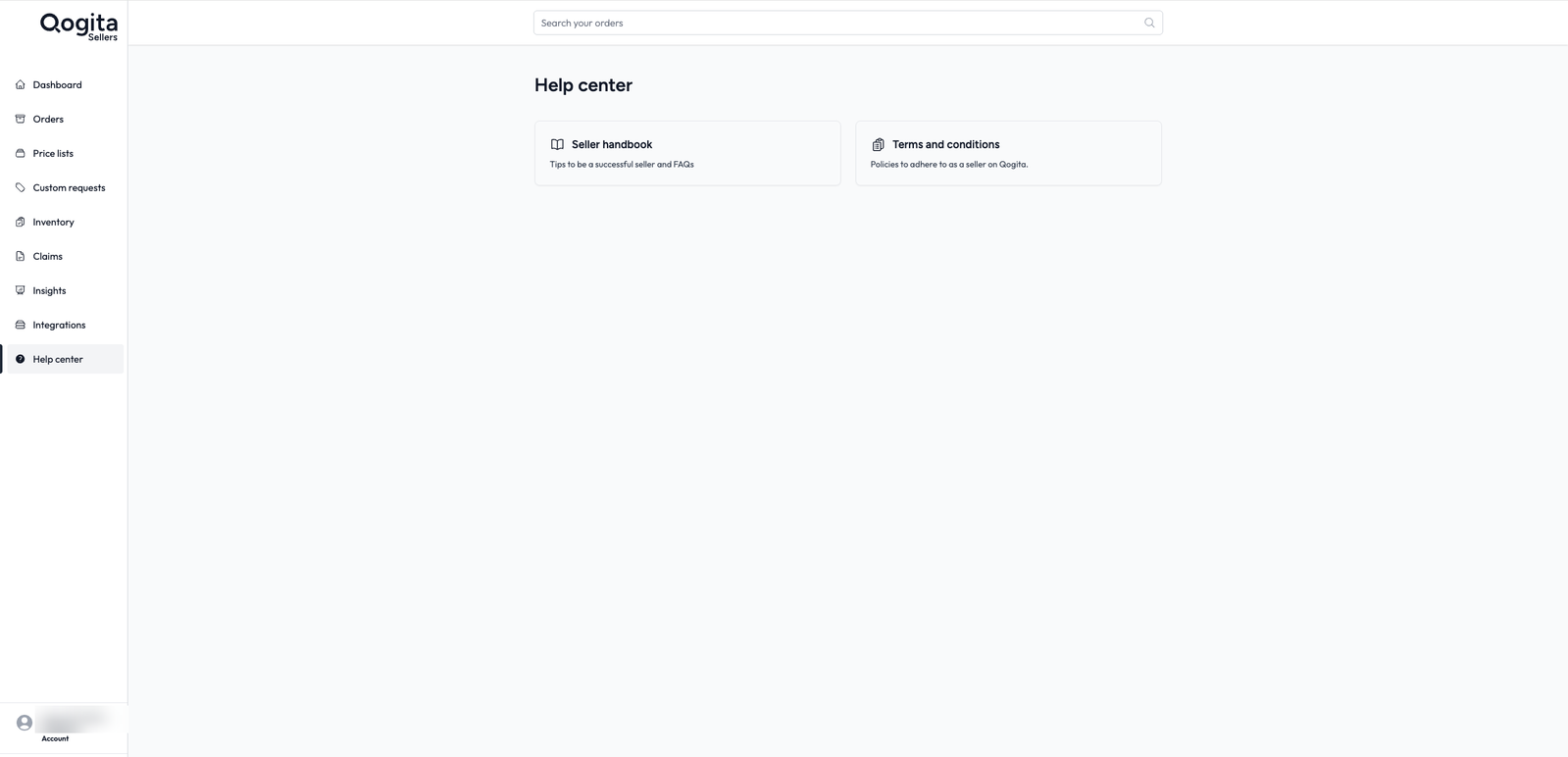
- Accept the Seller Terms and Conditions. You do this on your first login, and then you can enter the portal. To read them again later, go to Help center in the seller portal and open Terms and conditions.
- Upload your first stock file. Go to Price Lists and upload your first stock file so buyers can see your products. For the full guide, see Upload and manage your price list.
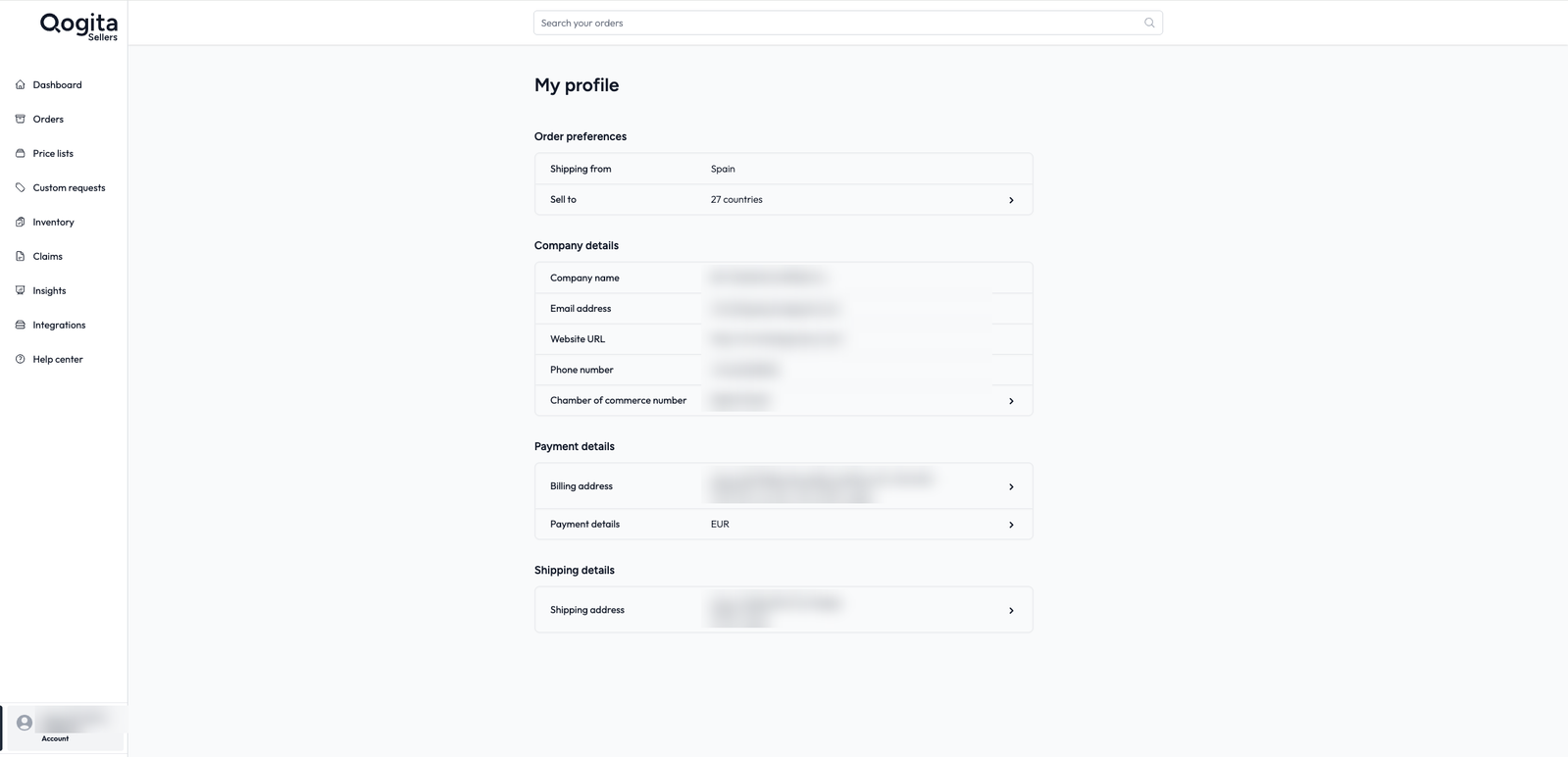
- Complete your profile. Go to My Profile and check your company details, payment information and shipping setup.
After you set your password, you are not done yet. The reset link may open Qogita.com instead of the seller portal. If this happens, go to https://sellers.qogita.com and log in with your new password.
Need help?
If you have trouble with the reset email or with logging in, email success@qogita.com.
When your account is ready, go back to Your onboarding guide to finish the steps before your onboarding call.